GA4 Is a Mess — So I Switched to Umami
I've been using Google Analytics as the default go-to tool for basic traffic analysis for years. It’s never been perfect — especially with the impact the client-side integration had on page load times — but it’s been good enough for this use case. The forced migration to GA4 felt awkward, and the whole GA4 experience has felt the same ever since. I’m still puzzled how the hell they managed to ship this update and still haven’t provided a usable way to collaborate on custom reports (you can only share them in read-only mode).
So, GA4 being the abomination it is, made me think maybe it's time to get out of the (dis)comfort zone and start looking for alternatives. I’ve seen a few mentions of Umami here and there and decided to give it a shot — especially since I’ve been tinkering with Coolify, and this seemed like another good example of a service to try and run.
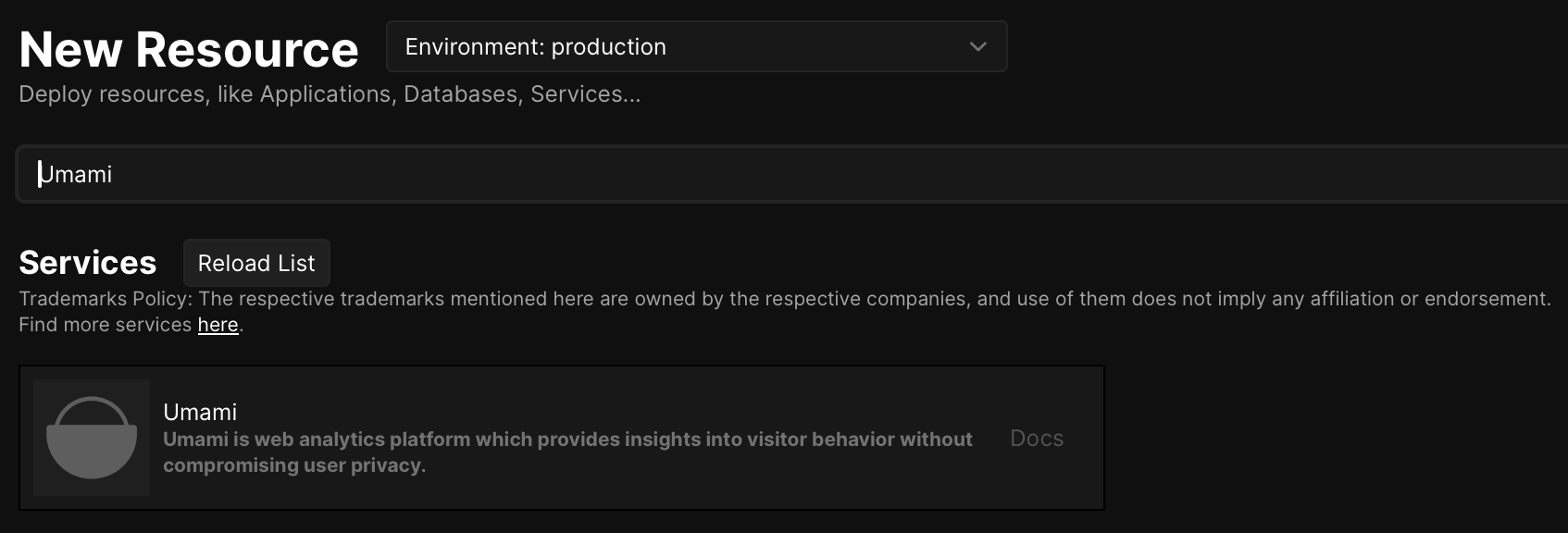
What can I say? The setup process was as smooth as it can be. Just go to your Coolify panel → your project → Resources→ Add resource, and search for Umami.
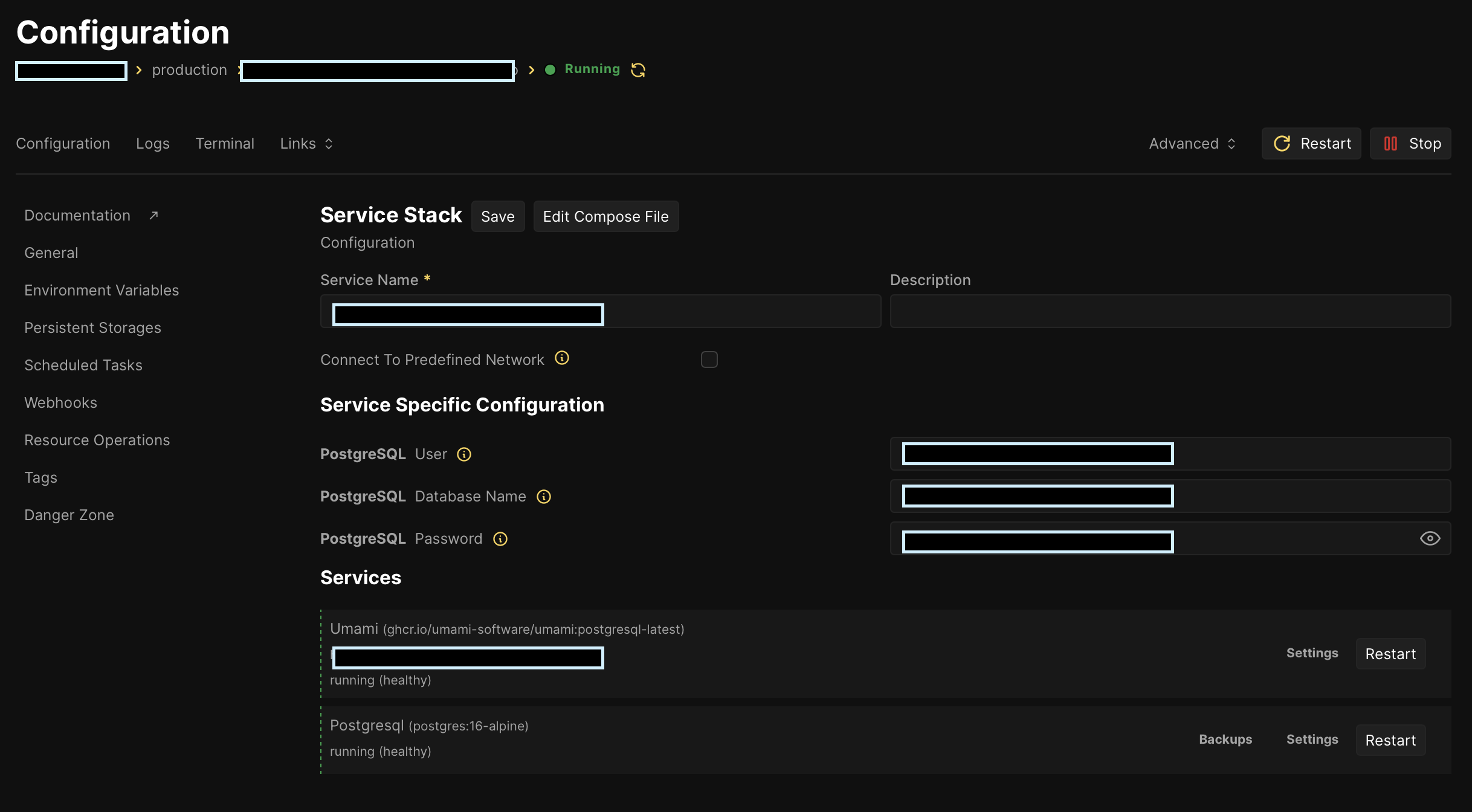
The installer will deploy Umami and Postgres instances for you under the same resource (don’t worry — you can still access their individual settings through the Services section on the General settingstab of your Umami resource). You can then go to your Umami instance (via the link under the Links dropdown or in the Services section), sign in using the default admin:umami credentials (don’t forget to change the password in your profile settings later), and proceed with setting up your instance (at the very least — add your domain and place the tracking code on your website).